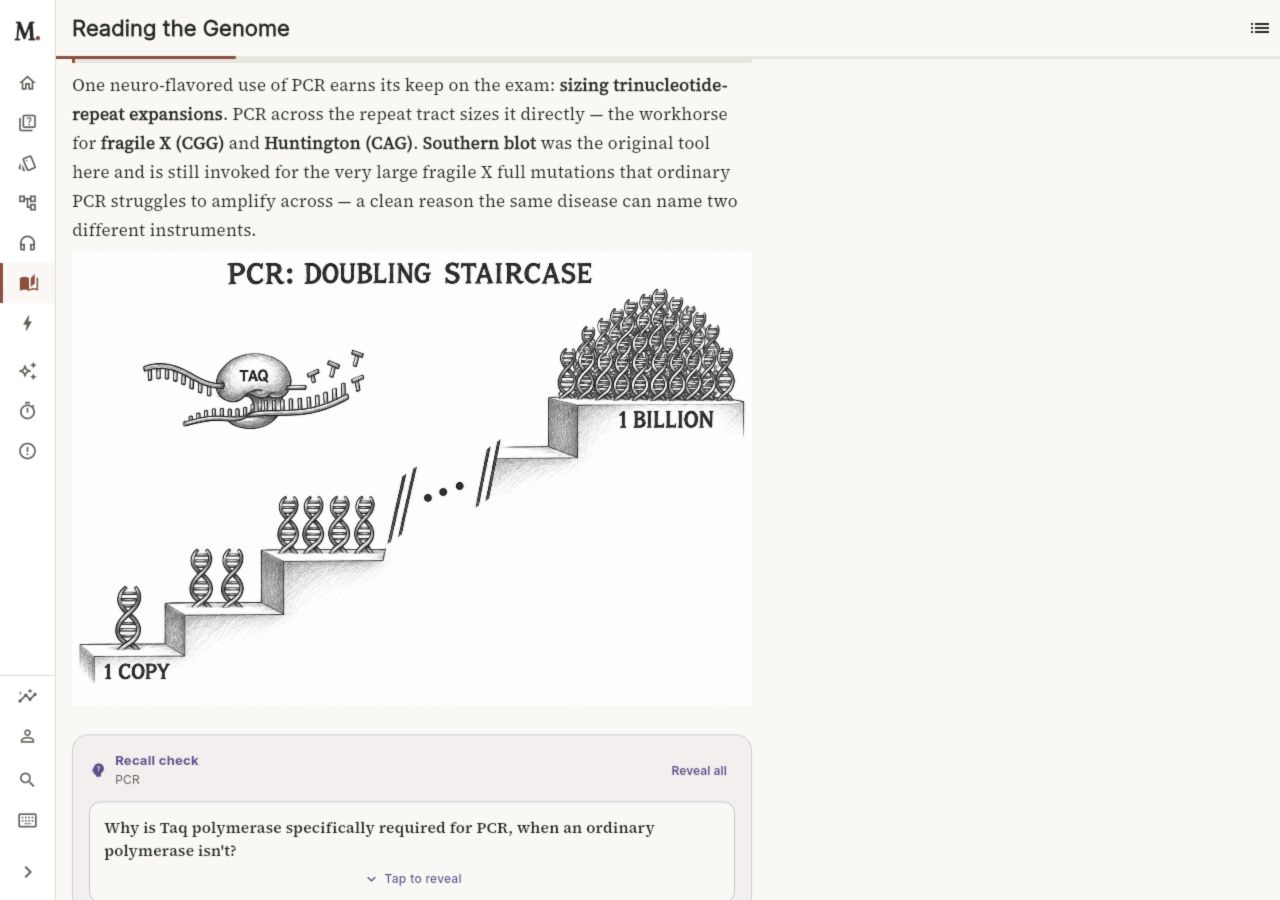
Read the whole explanation.
The Companion connects mechanisms and clinical reasoning. The Final Stretch brings the essentials back by system and discipline.
Try cardiac rapid review →Read → understand → recall
Follow a cellular mechanism, explore molecular tools, or test your cardiac physiology. Start with three open previews from our two books.
Narrative explanations that connect mechanisms, clinical reasoning, and exam traps.
Concise review by system and discipline, with recall checkpoints for the final weeks.
Three illustrations · Interactive PCR counter · Recall checks · No sign-in
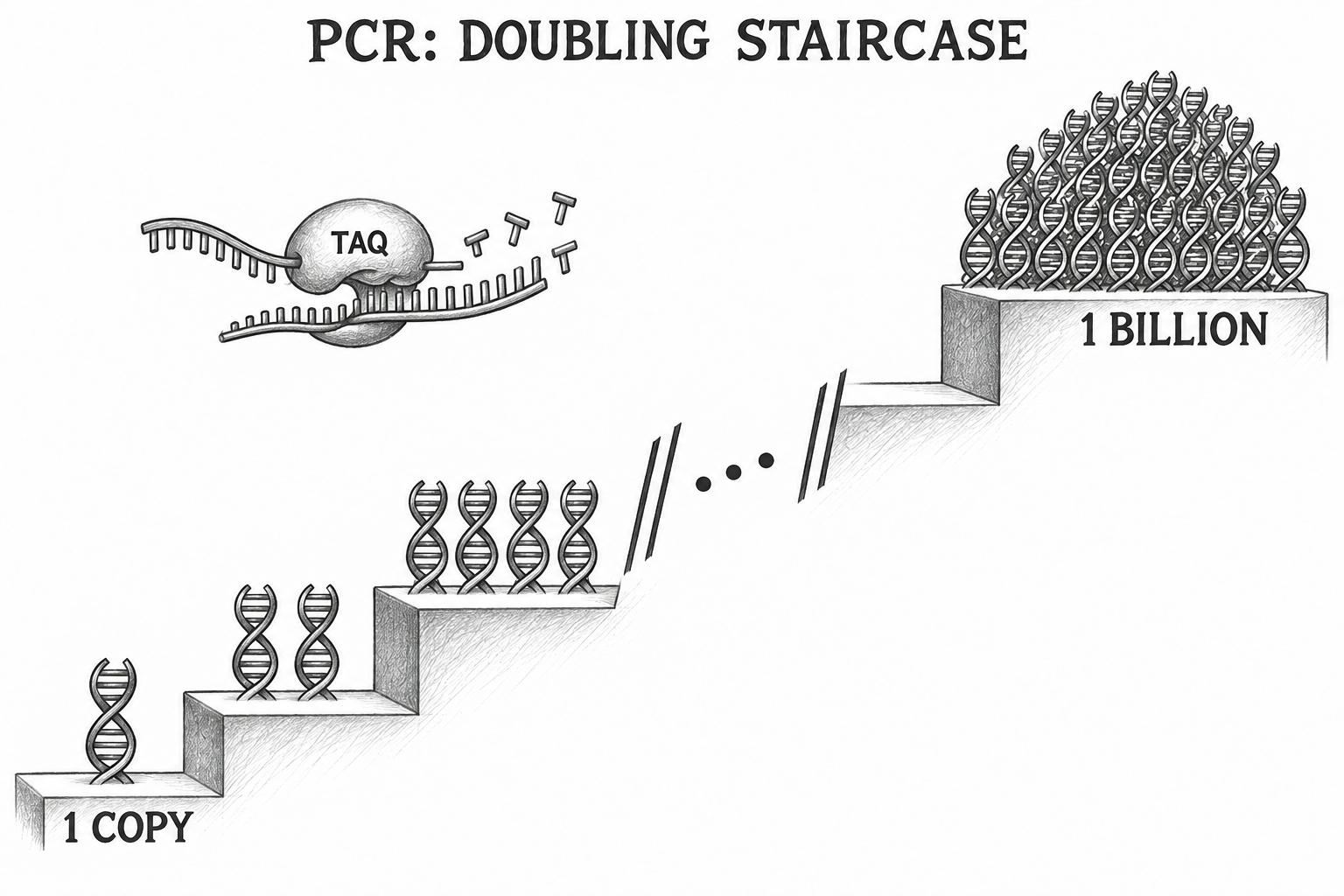 The Companion · Chapter 159
Three different starting points · No sign-in
Room to think
Use the larger screen for a chapter, a mechanism, or a focused question session. The app keeps the study tools within reach.
The Companion connects mechanisms and clinical reasoning. The Final Stretch brings the essentials back by system and discipline.
Try cardiac rapid review →Practice questions, inspect explanations, and use mechanism maps to connect cause and effect.
Open the study workspace →Review flashcards with spaced repetition and revisit your Error Notebook. Use audio when reading doesn’t fit the moment.
Continue in the web app →Work through a clinical question, then compare your answer with the explanation. On a larger screen, the question and reasoning sit side by side.
Try MCQ practice →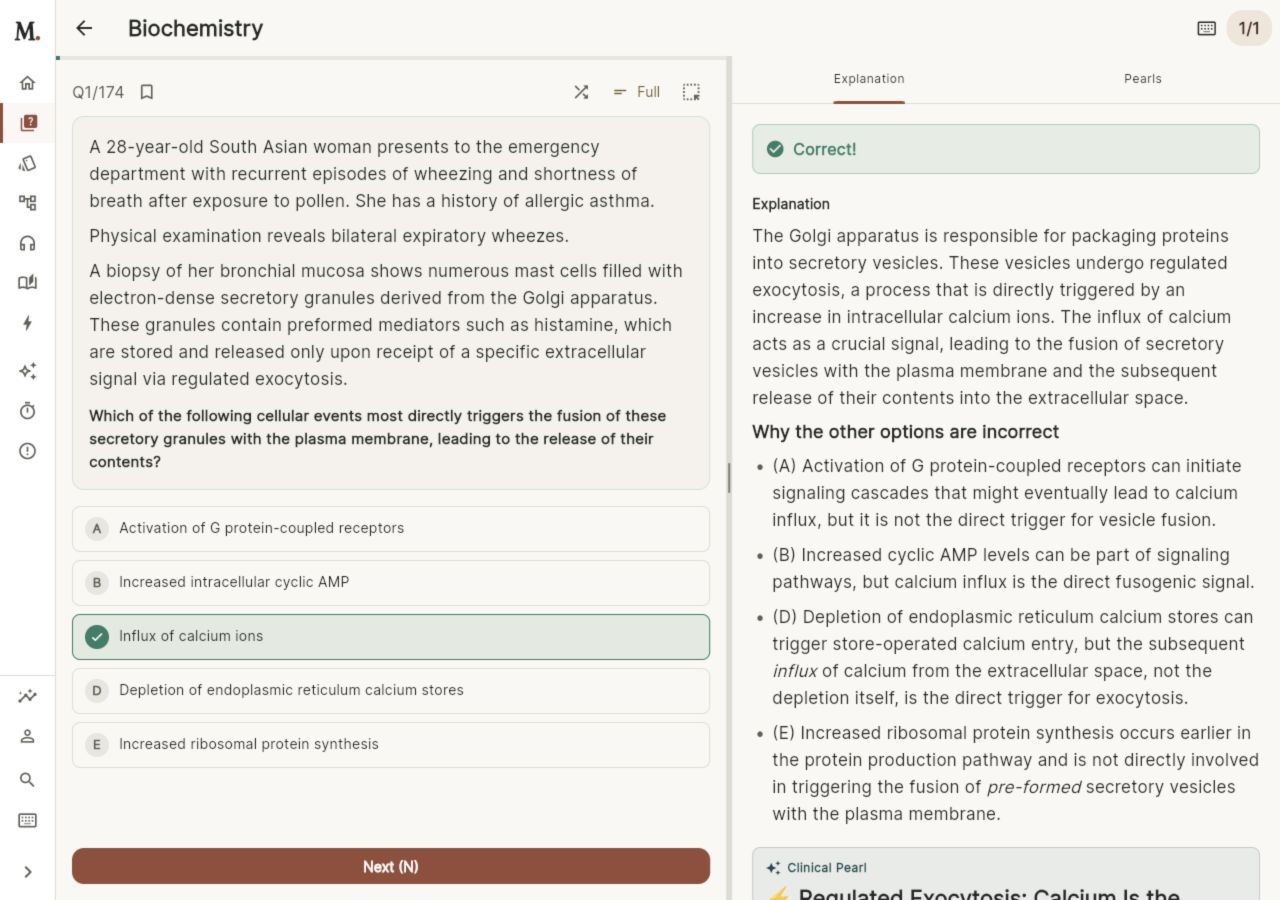
Recall the answer before turning the card. Open the supporting details, then rate how well you remembered it to guide your next review.
Start a flashcard session →Question: Non-smoker in their 40s with early-onset emphysema and basilar-predominant bullous changes on CXR — diagnosis?
Answer: Alpha-1-antitrypsin (AAT) deficiency.
The mobile app brings the same study library to shorter sessions away from your computer. Web is the main workspace; mobile keeps it close.
Practice clinical questions, then review the explanation and the reasoning behind each answer. Filter your study session to focus on the material you want to work on.
Choose a deck, reveal an answer, and rate your recall. Spaced repetition schedules future reviews using your responses; daily limits help keep the workload manageable.
Review concise clinical teaching points alongside the broader explanations in your study library.
Explore explanations that connect physiology, disease, and treatment. Use the mechanism library to revisit the steps behind a clinical finding.
Start a timed question block, flag items to revisit, and review your results after submitting. Use it to practice pacing and identify material to return to.
Browse the rapid-review book by system and discipline. Read concise explanations and use inline recall checkpoints to bring the essentials back.
Listen to narrated lessons from the audio library. Adjust playback speed and use available transcripts to follow the material at your own pace.
Use the app’s voice study mode to talk through material with an AI partner. It uses your microphone and may save transcripts. Check explanations against source material. How voice study works.
Revisit missed questions and their explanations in a dedicated notebook. Pin entries you want to return to and keep difficult concepts within reach.
Open the next-session tool when you want help choosing what to study. Review your study activity and progress, then continue with a focused session.
Read the narrative textbook in the web or mobile app. Explore three free previews across both books, with explanatory diagrams and recall checks you can try without signing in.
Read an explanation, listen to a lesson, then practice explaining it out loud. How MedRune uses AI ↗
Spaced repetition uses your review ratings to schedule flashcards
Explore mechanisms, drugs, and pathways through connected study material
Review your activity and progress to help choose what to revisit
Narrated lessons in the audio library for commutes, walks, or downtime
AI-assisted authoring with physician-led editorial review, editable content, and review tools for editors

MedRune was founded by Omer Alavna, MD, to help students understand difficult mechanisms, practice applying them, and revisit what they forget. His background in medicine and software development shapes how the study experience is built.
Open the web app to sign in or create an account. For a mobile beta invitation, leave your email below.
You’re on the list. We’ll email you about mobile access as invitations become available.
We use your email for mobile-access updates. Privacy · Unsubscribe or get help
Prefer to see pricing first? View plans →